
The short answer
Open the ticket, select More actions (•••), then Delete, and confirm. You need the Delete work items permission in the space where the ticket was created. If you do not see Delete in the menu, you do not have that permission.
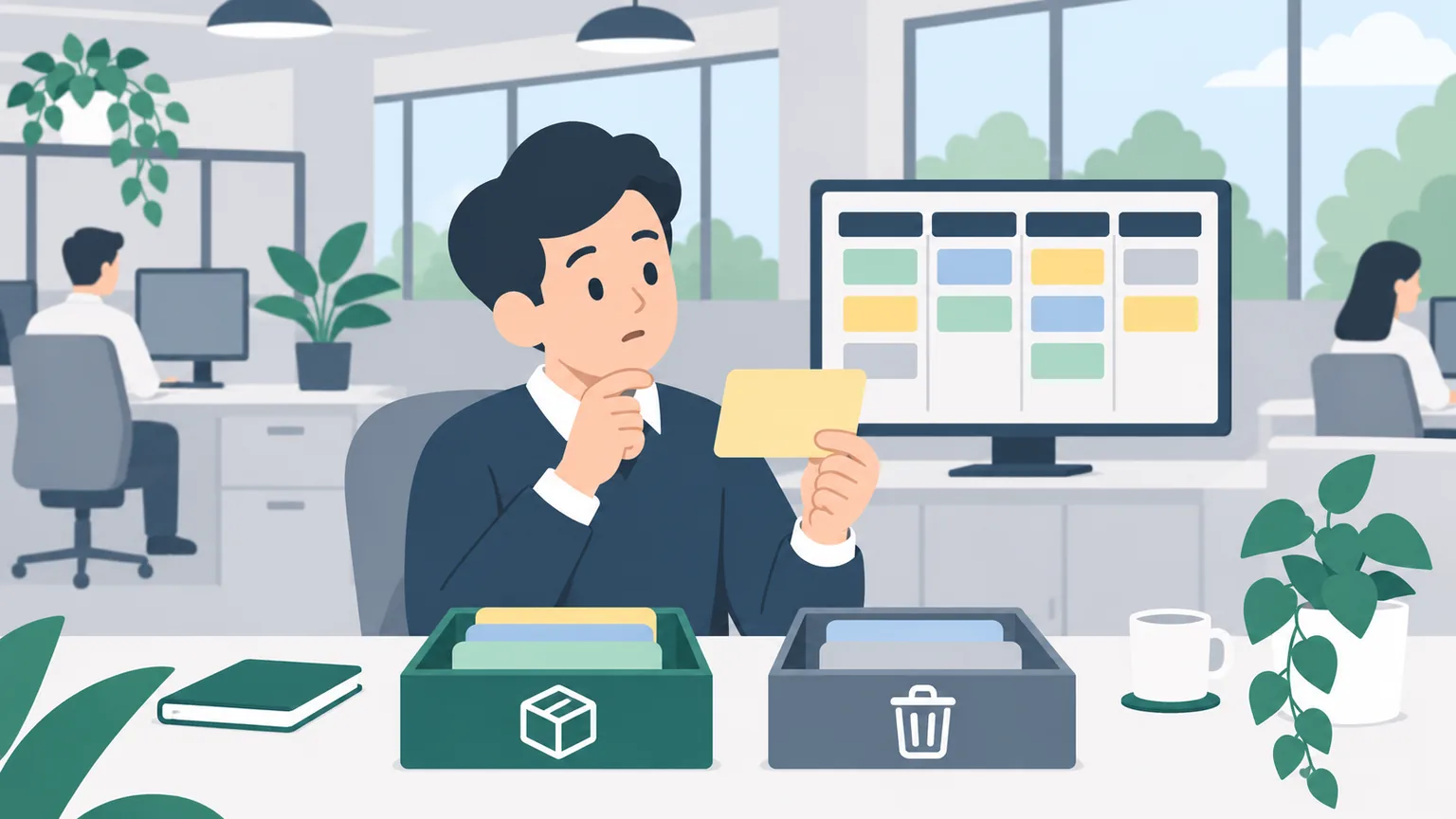
Before you delete, decide whether you should. Deleting removes the ticket and its associated data. If the ticket might matter later, or other people have already commented on it, archive it or close it with a resolution such as Duplicate or Won't Do instead.
Delete, archive or close?
| Situation | Best choice |
|---|---|
| Created by mistake a minute ago, nobody saw it | Delete |
| Test ticket or empty draft | Delete |
| Same problem as another ticket | Close as Duplicate, link it |
| Work the team decided not to do | Close as Won't Do |
| Old work that clutters the space | Archive |
Closing keeps the history and tells the next person why the work stopped. Archiving takes it out of the way but keeps it. Deleting is for things nobody should ever need again.
How to delete a ticket
From the ticket
- Open the work item.
- Select More actions (•••).
- Select Delete and confirm.
From the board
- Select More actions (•••) at the top right of the card.
- Select Delete.
- Jira offers two choices: select Archive, or type Delete in the text box to confirm you really want to delete it.
- Select Delete to confirm.
The Delete work items permission removes whole work items. Atlassian notes it does not let you delete individual comments or attachments; those have their own permissions.
If there is no Delete option
Atlassian's help says deleting needs the Delete work items permission in the space where the work item was created, and that this permission can only be granted to users who have been invited by an admin. If you cannot delete:
- ask the space admin to delete it for you, with the key and the reason; or
- close it with a resolution that explains why, which only needs permission to move the ticket (see below).
How to archive a ticket
Archiving removes a work item from your space without deleting it. Atlassian's help says archived items only appear in Archived work items and can no longer be edited, and that they can be restored later.
- Open the work item in the side bar or full screen.
- Select More actions (•••).
- Select Archive and confirm.
Two limits: you cannot archive a subtask by itself, but archiving its parent archives the subtasks too. And you need the relevant space permissions to archive and restore work items.
To restore an archived ticket, go to Archived work items, select it and choose Restore, or use the Restore option in the ticket's banner or More actions menu. Restoring a parent restores its subtasks.
Closing instead of deleting
When a ticket is a duplicate, or the team decided not to do it, closing it is clearer than deleting it:
- Link it to the ticket that covers it, with the "duplicates" link type (see how to link tickets).
- Comment one line: "Duplicate of PAY-133, which has the full details."
- Move it to the last status on your board, and pick the resolution Duplicate or Won't Do if Jira asks. Atlassian's default resolutions include Done, Won't Do, Duplicate and Cannot Reproduce.
The reporter then gets a clear answer, and anyone searching later finds the ticket and is sent to the right one. Why the resolution matters is explained in status vs resolution.
Before you delete anything
- Check it is the right ticket. Read the key twice. PAY-133 and PAY-138 look alike on a busy board.
- Check for subtasks and links. Other work may depend on it.
- Tell the reporter if someone else created it. A ticket that silently disappears causes more questions than it saves.
Practise on a board where mistakes are free
Most accidental tickets come from not searching first. Agile Board Practice has a workplace task where a colleague reports a problem by email and you check whether it is already reported, find the existing ticket and add the new information to it, instead of creating a duplicate, with feedback on each step.
Frequently asked questions
How do I delete a ticket in Jira?
Open the work item, select More actions (•••), then Delete, and confirm. On the board, use the card's More actions menu, then type Delete to confirm.
Why can't I delete a ticket in Jira?
You need the Delete work items permission in the space where the ticket was created. Ask the space admin to delete it, or close it with a resolution instead.
What is the difference between deleting and archiving in Jira?
Deleting removes the work item and its associated data. Archiving removes it from the space but keeps it in Archived work items, where it cannot be edited and can be restored.
Can I restore an archived ticket?
Yes. Go to Archived work items, select it and choose Restore, or use Restore in the ticket's banner or More actions menu.
What should I do with a duplicate ticket?
Link it to the original with the duplicates link type, comment which ticket covers it, and close it with the Duplicate resolution. That keeps the trail for anyone who finds it later.