
The short answer
A space, which Jira used to call a project, is where work lives. Atlassian describes it as a collection of related work items that helps your team organize, track and manage work. Every work item belongs to exactly one space, and its key starts with that space's key: PAY-142 lives in the space with the key PAY.
A board is a view. It displays work as cards you move between columns. A space provides views like boards, backlogs and timelines, and a board can show work from more than one space.
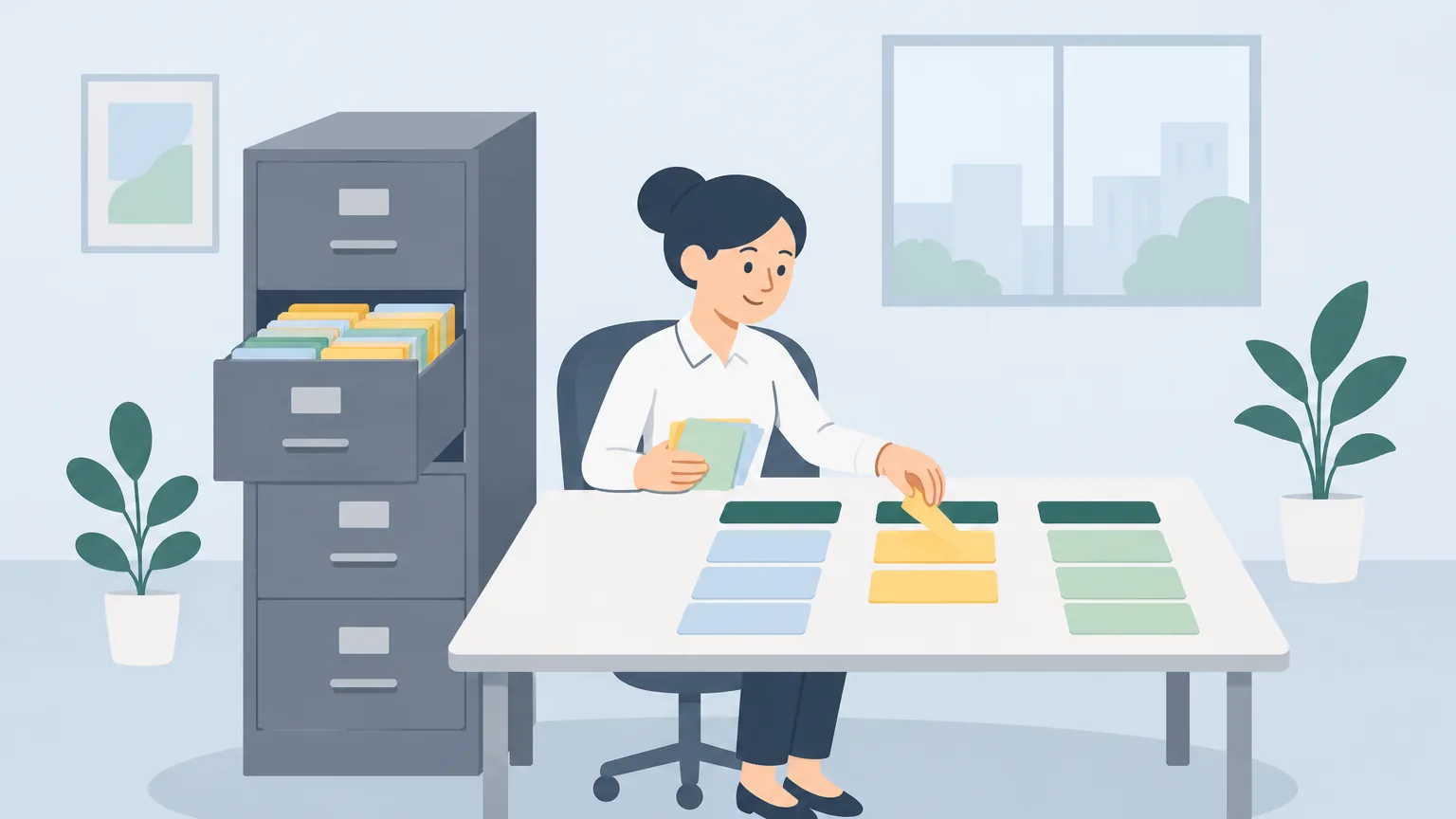
So: the space is the filing cabinet, the board is the desk where you lay out the files you are working on.
Project or space?
Atlassian's current Jira Cloud help pages say space. Older pages, many colleagues and a lot of company documentation still say project. They mean the same thing. The same change happened to tickets: Atlassian began replacing "issue" with "work" as the default name in October 2024, and its help pages now say work item.
This guide uses "space", but if someone says project, they mean the same container.
What a space contains
- The work items, each with a key made of the space key and a number. Atlassian's example: a space with the key GDT holds GDT-1, GDT-2 and so on.
- The setup: work types, workflows, screens and fields, which come from a template and can be customised.
- Views: boards, backlogs and timelines.
- Components, permissions and boards, which can also be set up per space.
When you create a software space, Atlassian offers scrum, kanban and bug tracking templates. The scrum vs kanban guide explains the difference.
What a board is
Atlassian describes a board as displaying your team's work as cards you can move between columns. It is a filtered, arranged view: it shows certain work items, in columns built from their statuses. Two things follow:
- A board can combine spaces. Atlassian's board help mentions company-managed software boards that pull work items from multiple spaces. A release board, for example, might show work from the app team's space and the website team's space side by side.
- A board can leave work out. If a work item does not match the board's settings, it exists in the space but does not appear on that board. See ticket not showing on the board.
Atlassian also notes a board can display up to 5,000 work items at a time.
Side by side
| Space (project) | Board | |
|---|---|---|
| What it is | Where work items live | A view of work items |
| A ticket belongs to | Exactly one | Any board that shows it |
| Shows in the key | Yes, PAY-142 | No |
| Holds settings for | Work types, workflows, fields | Columns, swimlanes, filters |
Two kinds of space
Jira Cloud has team-managed and company-managed spaces, and the difference explains why your board may look different from another team's:
- Team-managed spaces are set up and maintained by anyone on the team, without a Jira admin. Their settings are self-contained.
- Company-managed spaces are set up and maintained by Jira admins, and can share configuration. When an admin changes a shared scheme or screen, every company-managed space that uses it changes too.
To check which kind you are in, select More actions (•••) next to the space's name; the space details appear at the bottom of the menu.
Which one do you need?
- "Where do I create this ticket?" Pick the space. The Create dialog asks for it.
- "What is the team working on?" Open the board.
- "Why can't I find this ticket on the board?" Check its key to see which space it belongs to, then whether the board shows that space.
- "Who can change the columns?" A board setting, changed by a board or space admin.
Practise reading a board
Once the words are clear, the board is where the work happens. Agile Board Practice starts with lessons on reading a ticket, including its key, and reading the board, on a practice board with feedback on each step. The beginner's guide covers the everyday basics.
Frequently asked questions
What is the difference between a board and a project in Jira?
A project, now called a space, is where work items live; each work item belongs to one space. A board is a view that shows work items as cards in columns, and can show work from more than one space.
Is a Jira space the same as a project?
Yes. Atlassian's current Jira Cloud help pages call it a space; older pages and many people still say project.
Can one Jira board show more than one project?
Yes. Atlassian's board help mentions company-managed software boards that pull work items from multiple spaces.
Why does every ticket start with letters like PAY?
That is the space key. Atlassian's help says each space has a key that prefixes all its work items, followed by a number.
How do I know if my space is team-managed or company-managed?
Select More actions (•••) next to the space's name. The space details, including its type, appear at the bottom of the menu.