
The short answer
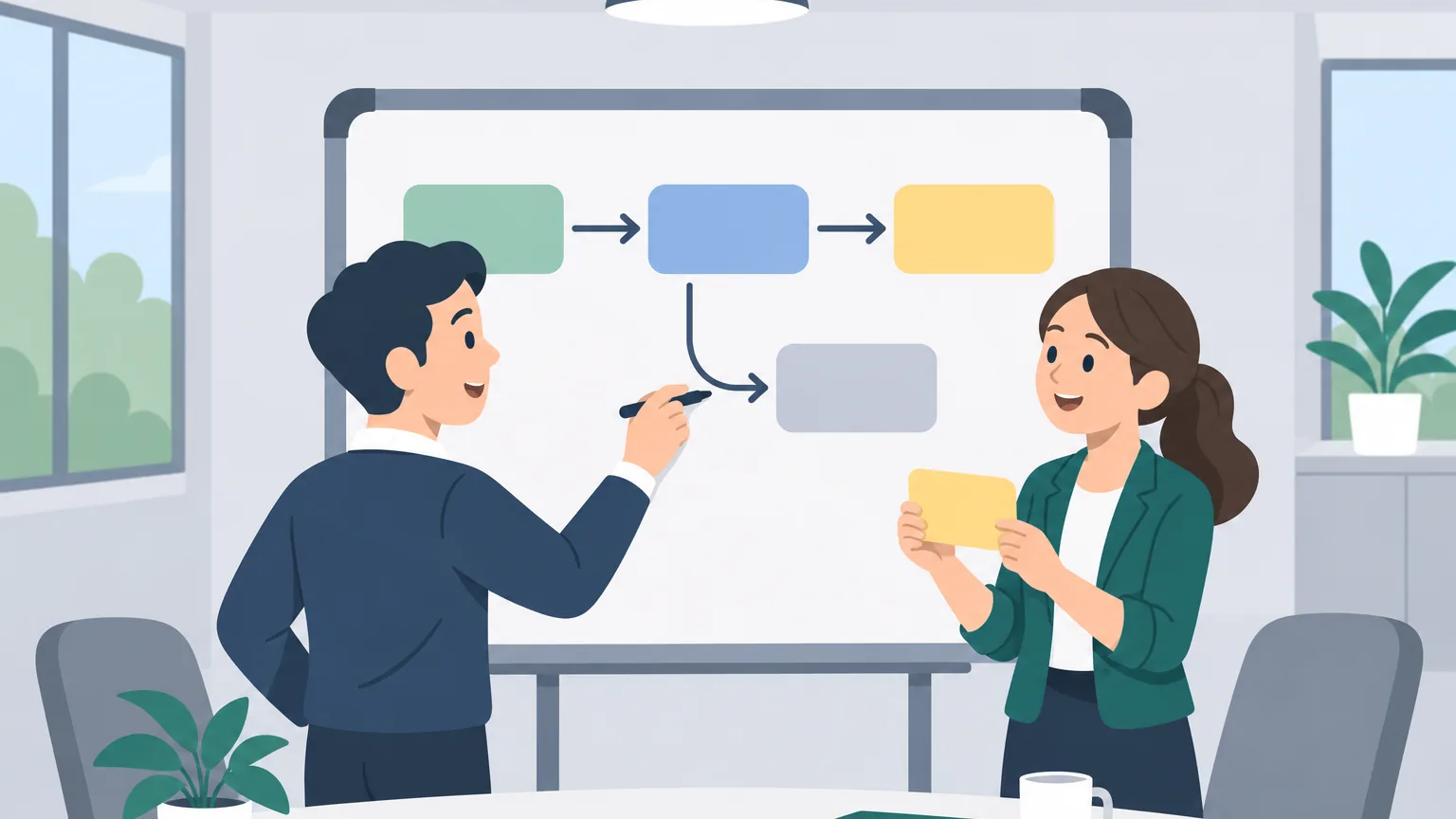
Atlassian defines a Jira workflow as a set of statuses and transitions that a work item moves through. Statuses are the steps in your team's process, such as To Do, In Progress, In Review and Done. Transitions are the allowed moves between them.
If there is no transition between two statuses, a work item cannot move directly from one to the other. That is why some drags on the board are refused. The board's columns are built on top of the workflow's statuses, so the workflow decides what the board lets you do.
Statuses: the steps
Atlassian describes statuses as the steps in your team's process that describe the state of a task. A simple workflow has three, To Do, In Progress and Done. Teams add more to match how they work, for example:
- In Review, where Atlassian's description says the assignee has done the work and it needs peer review before being considered done;
- Cancelled, where work has stopped and the item is considered done;
- statuses for waiting, such as a step for work that is with another team.
Jira groups statuses into categories: To Do, In Progress and Done. Boards and reports use the category to tell started work from finished work, whatever the status is called.
Transitions: the moves
A transition connects two statuses. Atlassian's help points out two things about them that explain most surprises:
- Transitions are one-way. To move a work item back and forth between two statuses, the workflow needs two separate transitions. A workflow can let you move from In Review to Done but not back again.
- Transitions can loop. A looped transition keeps the work item in its current status and lets you perform an action. Atlassian calls these work item actions.
Here is a small workflow for a made-up payments team, written as the moves it allows:
| From | To | Allowed? |
|---|---|---|
| To Do | In Progress | Yes |
| In Progress | In Review | Yes |
| In Review | In Progress | Yes, sent back |
| In Review | Done | Yes |
| To Do | Done | No |
On this board, dragging a card from To Do straight to Done is refused, because there is no transition for it. The team wants every change reviewed first.
Rules on transitions
Admins can attach rules to transitions. Atlassian's help names three kinds: conditions, validators and post functions. In plain words:
- Conditions decide who can use a transition. You may only be allowed to move a ticket to Done if you have permission to.
- Validators check something before the move. If a dialog opens when you move a ticket, Atlassian's help says to complete all mandatory fields, marked with a red asterisk, before submitting.
- Post functions do something after the move, such as setting the resolution when work reaches Done.
Atlassian also notes you can only transition a work item if you have the space permission to move it to that status.
Why a move is not allowed
When Jira refuses a move, check these in order:
- There is no transition from the current status to that one. Move it through the steps in between instead.
- The status is not used by this work type. Atlassian's help mentions this case: a status is visible on the board but not available for the work type you are moving. A bug and a story can follow different workflows.
- You lack permission for that transition.
- A required field is empty. Fill in the dialog that appears.
Changing status step by step is covered in how to change status in Jira.
Who can change a workflow
Editing a workflow is an admin job. Atlassian's help says that in company-managed spaces, site admins and users with the edit workflows permission can change it; in team-managed spaces, site admins and space admins can. Workflows can be tied to particular spaces and, if needed, to specific work types through a workflow scheme. That is how one company can run a different workflow for bugs than for stories.
If a workflow keeps getting in your team's way, for example a review step nobody uses, raise it with the person who looks after your space. A workflow is meant to describe how the team really works.
Workflow vs board
The workflow is the set of statuses and moves. The board is a view of it: each column holds one or more statuses. Two consequences:
- A board can merge statuses. One column called "In Progress" might hold both In Progress and Waiting.
- A status that is not mapped to any column hides its work items. Atlassian's column help says unmapped statuses hide work items in both the board and the backlog. See ticket not showing on the board.
Practise moving work through a workflow
A workflow makes more sense once you have moved a few tickets through it. Agile Board Practice has a lesson where you move your own ticket from To do to In progress, comment, send it to review and hand it to the tester, on a practice board with feedback on every step.
Frequently asked questions
What is a workflow in Jira?
Atlassian defines it as a set of statuses and transitions that a work item moves through. Statuses are the steps; transitions are the allowed moves between them.
Why can't I move a ticket to Done in Jira?
There may be no transition from its current status to Done, a required field may be empty, or you may lack permission for that move. Move it through the steps in between, or fill in the dialog that appears.
What is a transition in Jira?
A transition is a one-way move from one status to another. To move back and forth between two statuses, a workflow needs two transitions.
Who can edit a Jira workflow?
In company-managed spaces, site admins and users with the edit workflows permission. In team-managed spaces, site admins and space admins.
Can bugs and stories have different workflows?
Yes. Workflows can be tied to specific work types through a workflow scheme, so a bug can follow different steps from a story.